

About statistics
Subscriber insights: growth, activity, and retention
Statistics Section
The Statistics section helps you track key activity and income metrics over a selected period. To access it, simply tap the menu and select Statistics.
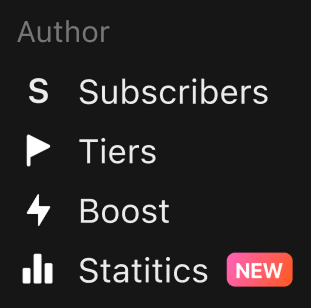
📅 Date Range Selection
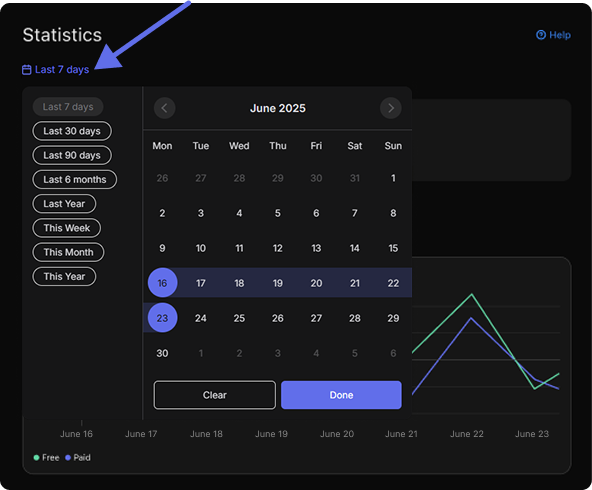
You can choose the timeframe you want to analyze: Quick options include: last 7 / 30 / 90 days, 6 months, last year, and this week / month / year. You can also set custom dates using the calendar.
Main Overview
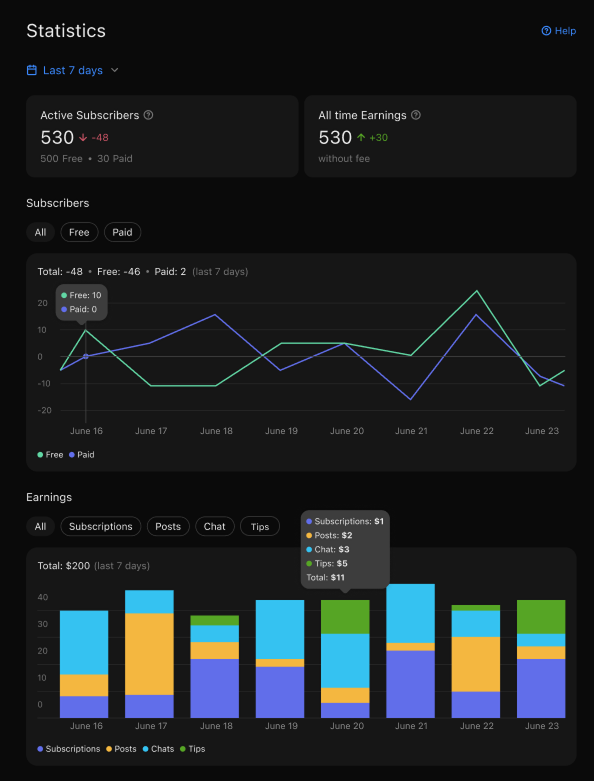
At the top of the screen, you’ll see two key indicators:
Total active subscribers — broken down by free and paid, with a comparison to the previous period.
Total earnings — your lifetime income on the platform (excluding fees), along with the increase for the selected period.
📈 Subscribers
The line chart shows how many people subscribed or unsubscribed each day:
Green line — free subscribers
Blue line — paid subscribers
You can toggle between All / Free / Paid tabs to filter the data. Hover over the graph to see the exact values for any specific day.
📊 Earnings
The bar chart displays your daily income, broken down by source:
🟪 Subscriptions — paid subscribtion tiers
🟧 Posts — one-time paid content
🟦 Chat — private paid messages or chats (coming soon)
🟩 Tips — direct support from your audience
Use the All / Subscriptions / Posts / Chat / Tips tabs to filter what you want to see. Hover over a bar to view detailed income amounts for each source on that day.
If you have any questions — our support team is always happy to help 💬