How withdraw the earned funds?
Step-by-step instructions for withdrawing your earnings.
All the funds you have earned on Polee are displayed in the Wallet profile section.
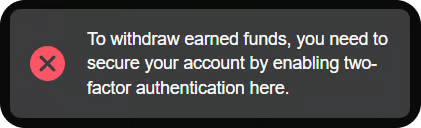
Important: for the withdrawal to work, you must pass two-factor authentication (2FA)
For convenience, we have divided your balance into two parts: funds available for withdrawal and funds on "hold".
♥︎ Withdrawal of funds is only possible for authors or channels! Therefore, check the balance regularly and plan the release of content and withdrawal of funds to ensure continuous earnings. If you have any questions about managing your wallet, please contact support.
♥︎ Each withdrawal is a separate transaction. The withdrawal process on the Polee.me platform consists of several steps, each requiring careful completion. Since every withdrawal is subject to moderation, this guide is divided into two parts:
Part 1
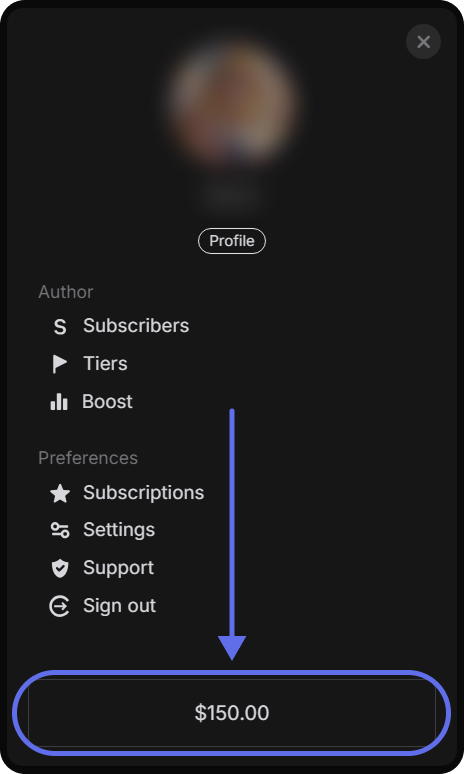
0. Go to the menu and tap the button at the bottom of the screen that shows your wallet balance.
Currently, the “Withdraw Funds” section offers 2 options:
a. Bank card — the standard method for transferring funds.
b. Crypto wallet — a new method, currently processed via Telegram support (a temporary solution until automatic withdrawals become available).
More withdrawal options will be added in the future — stay tuned for updates.
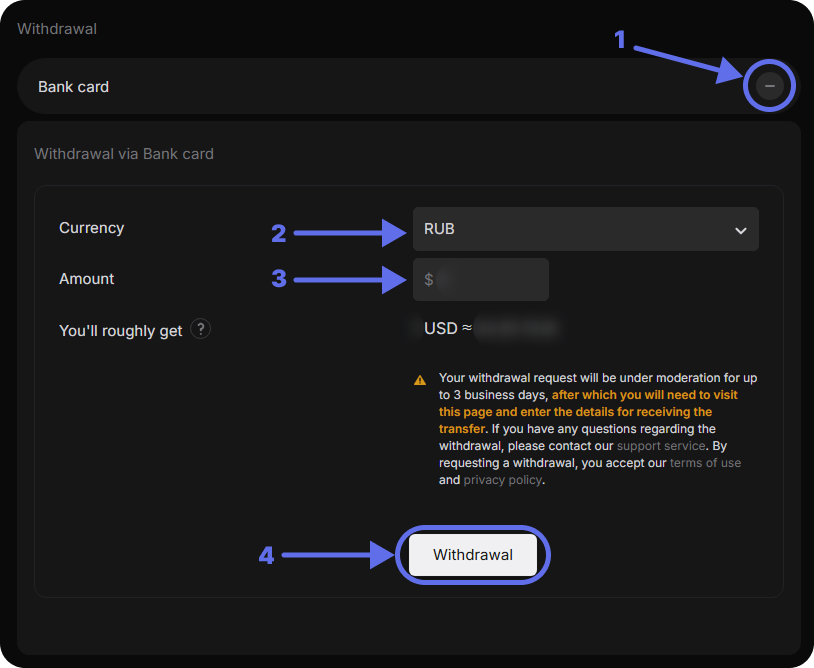
A. If you want to withdraw to a bank card:
Select the currency (RUB, UAH, or KZT)
Enter the amount (minimum $100). When you enter the withdrawal amount, the system will automatically display an approximate equivalent in another currency (if applicable). Please note that this is for informational purposes only and may slightly differ from the actual exchange rate used by our partners at the time of payment.
Confirm the operation by tapping the "Withdraw" button.
B. 🆕 Now you can withdraw your earnings also to a crypto wallet.
At the moment, this method is available via Polee support on Telegram.
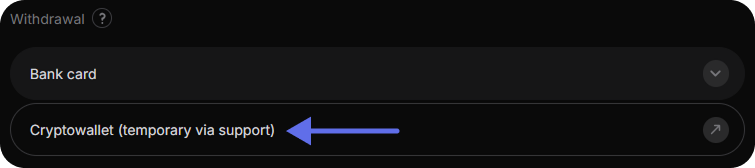
When you enter the support chat, an automatic message template will appear, which you need to fill out, specifying:

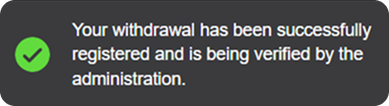
After successfully submitting a withdrawal request via bank card, you will see a confirmation message that your request has been registered.
In the “Withdraw funds” section, you’ll see a notice that your transaction is under review. (At this stage, the amount is not yet deducted from your account.)
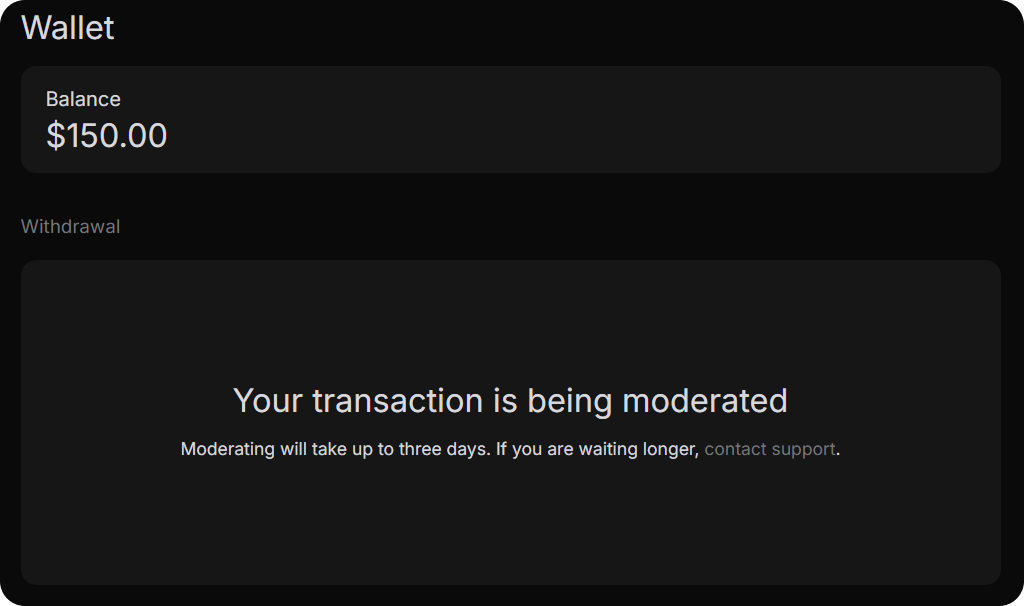
We are continuously working to reduce processing time and expand the available withdrawal options. The moderation process takes up to 3 business days. After this period (or sooner), please return to your wallet to enter your payment details and complete the transaction.
Part 2
When your request is approved, the amount will be deducted, and a “Provide details” button will show up in the Withdraw Funds section.
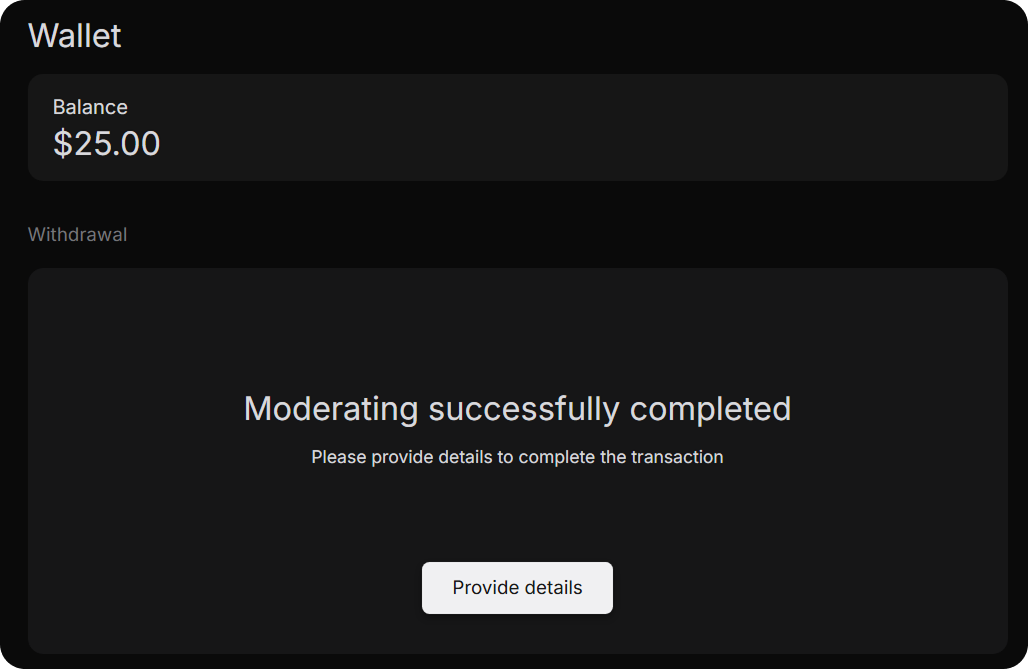
Tap “Provide details” to go to our partner payment service and finish the transaction by entering your card details. The interface may vary depending on your region, so please follow the on-screen instructions.
Important: Please enter your card details within 24 hours after clicking “Provide details.” Otherwise, the moderation process may need to be restarted, which could delay the payout.
If you have questions or run into issues while entering your payment information, please contact the payment system’s support via the chat icon in the lower-right corner of the screen.

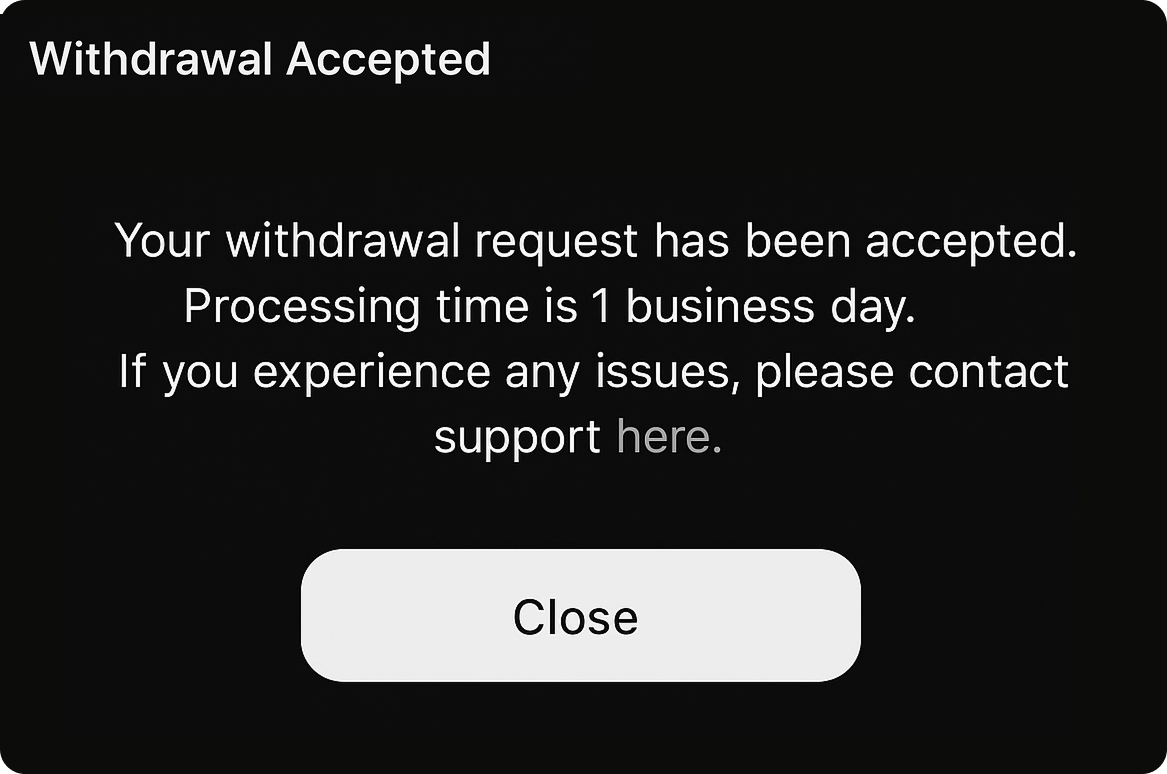
Once the payment details are successfully submitted and the transaction is complete, funds will be credited to your account within 1 business day. If any issues arise, please contact support.
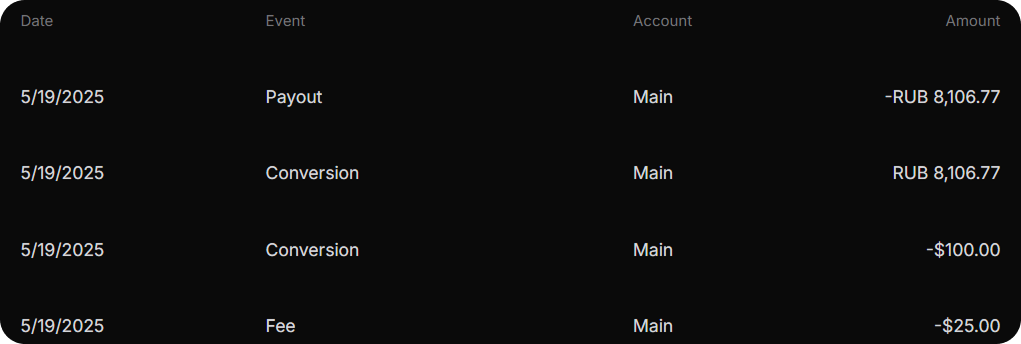
Note: In the transaction history, the amount will be shown after a 20% platform commission is deducted. For example, if you request a $125 withdrawal, a $25 commission will be applied, and the final $100 will be converted into the selected currency and transferred to your card.