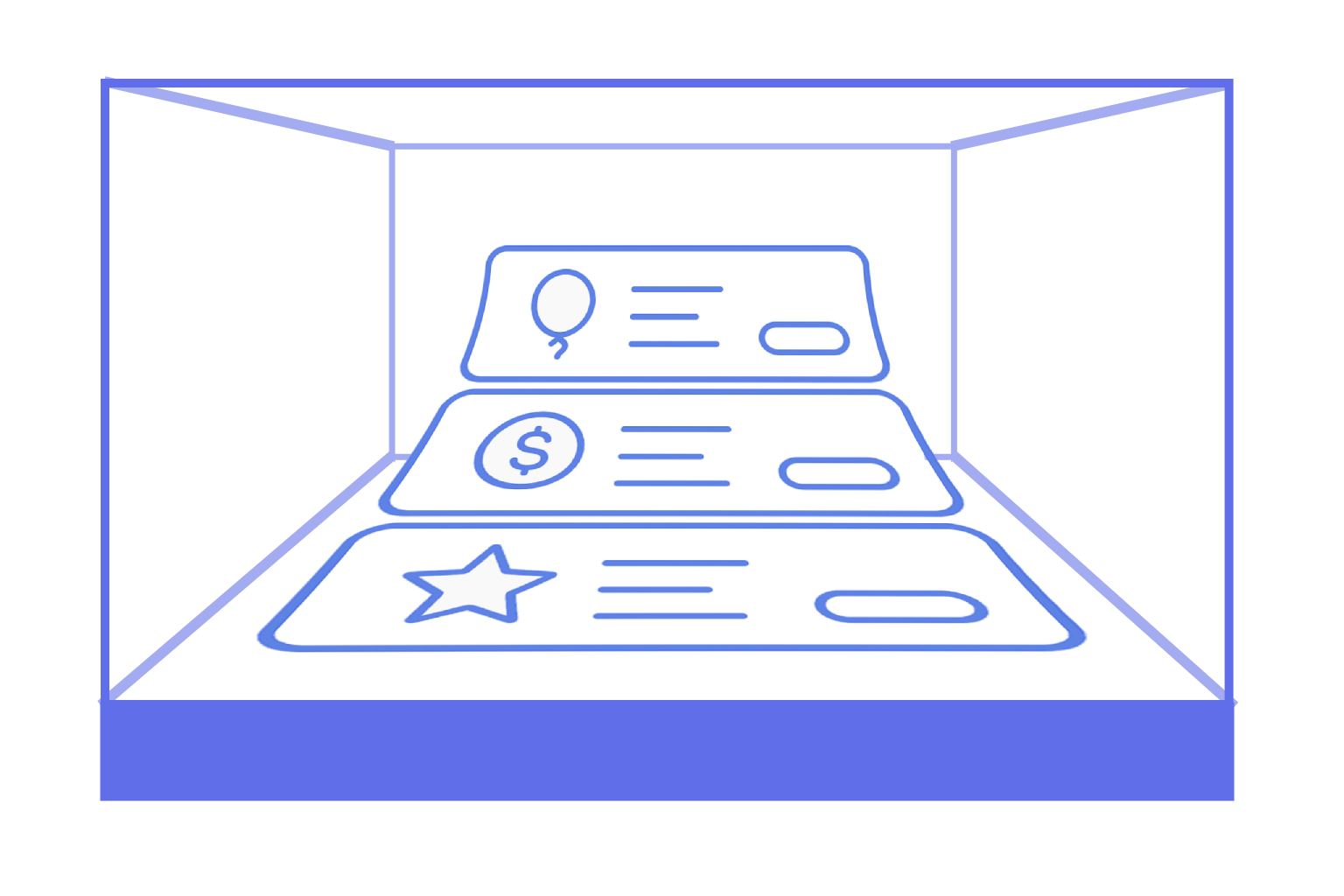
When someone visits your profile, they’re not just “checking the prices.”
They’re sensing your atmosphere, your vibe — deciding whether they want to step into your world.
A subscription with an image and description is your show window . It can look plain… or it can truly captivate.
1. Think like a shop window designer 🛍️ Your subscription list isn’t just pricing tiers, it’s how you tell your story .
Highlight what makes each tier unique.
Use names that spark interest or emotion:
❌ “Tier 1” → ✅ “Behind the Scenes,” “Quiet Club,” “VIP Access.”
Make sure visitors understand at a glance what they’ll get at each level.
2. Your cover image is the “face” of the tier 🖼️ The image is the first thing people notice.
Use clean, clear visuals, avoid cluttered details.
Give a hint of your theme or personality through imagery.
Keep the overall style consistent across tiers, changing only accents (colors, icons, background).
3. Your description isn’t a manual, it’s an invitation ✨ Many creators make the mistake of writing too dryly.
Speak as if you’re inviting a friend to join you.
Show both the practical and emotional value:
“You’ll get early access to my stories and a look behind the curtain.”
Keep it short — 2 to 4 sentences is usually enough.
4. Build a “ladder of interest” 🪜 Several tiers they shouldn’t compete, they should gently lead users upward.
Entry tier — simple, accessible.
Middle tier — your core offer with the most value.
Top tier — for your loyal supporters, with exclusive perks.
Tip: it’s better to have 2–3 well-designed tiers than 5 half-empty ones.
5. Add atmosphere with small touches 🌿 Use a consistent tone of voice (friendly, playful, cozy — whatever fits your style).
Think about your visual identity: color palette, font choice, icons.
Little details like emojis or symbols can make tiers easier to recognize.
6. View it through your audience’s eyes 🧪 Open your profile as if you were a visitor.
Is everything clear at first glance?
Is there something eye-catching?
Do you feel a genuine desire to support ?
A well-designed show window isn’t just decoration. It’s how you express your personality, structure your content, and build trust.
👉 On Polee.me