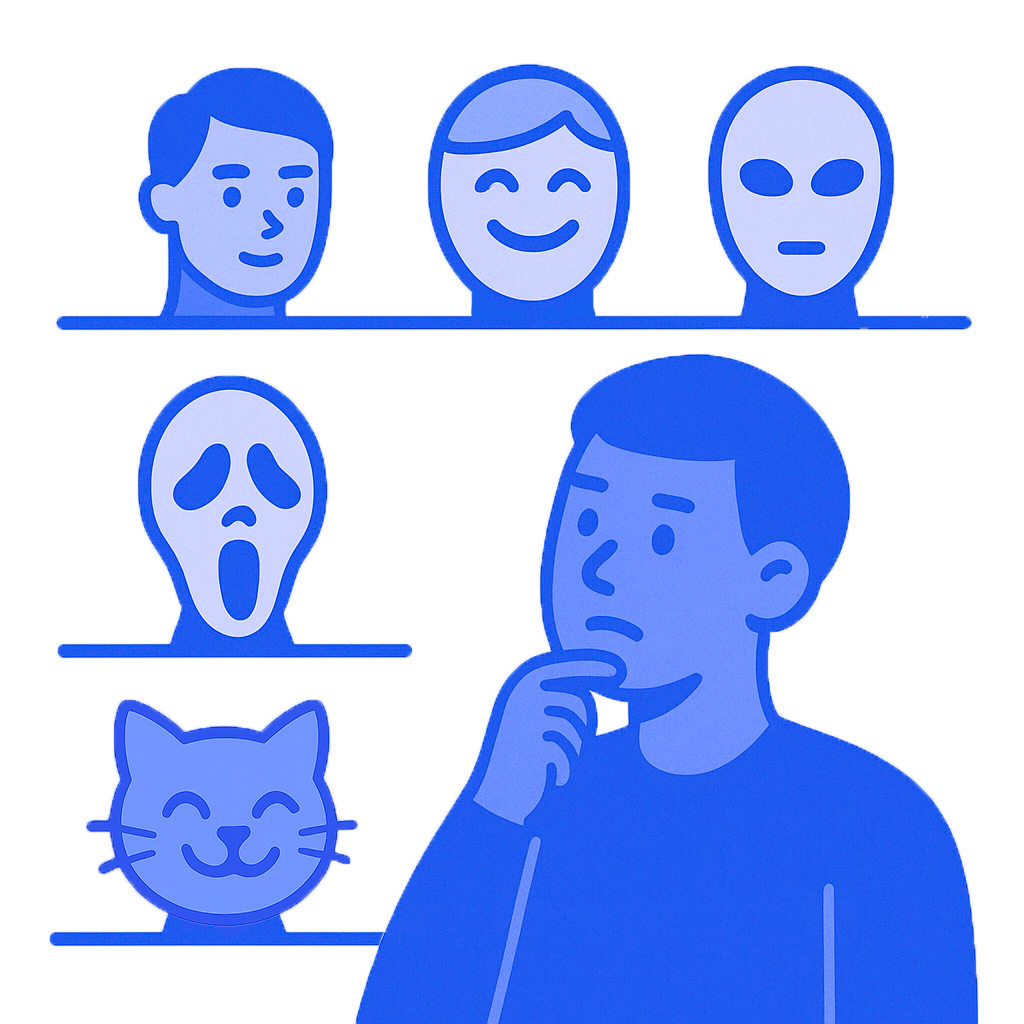
Your avatar is the visual entry point to your page. A thoughtful image grabs attention, builds trust, and highlights your unique style.
Here’s how to create one that works:
1. Define Your Purpose and Style
If you’re representing yourself personally, go for a vibrant, well-lit photo that shows your face clearly.
If you're building a brand or prefer to stay anonymous, consider an illustration, logo, or signature typography. Use simple symbols that reflect your content or niche.
💡 Tip: Make sure your avatar looks clear and recognizable, even at small sizes.
2. Focus on Visual Design
Consistent color palette: Your avatar, cover image, and posts should share a cohesive visual language.
1:1 aspect ratio is the standard for profile pictures even if displayed in a circle. To keep your avatar neat and expressive, center the main element or align it using the rule of thirds.
Minimalism matters: Stick to one key element (like your face, a symbol, or logo) to avoid clutter, especially important for small screens.
Background and contrast: A light background highlights dark details and vice versa. Strong contrast helps your avatar stand out.
3. Keep It Updated and Aligned
Include avatar updates in your content plan: sync them with profile announcements, seasonal promos, or project milestones to show activity and keep things fresh.
Test and optimize: Collect feedback, run A/B tests, and check your analytics to see what resonates.
💡 Tip: Always check how your avatar looks across devices: desktop and mobile.
Your avatar is more than just a picture. It’s a living part of your profile that grows and evolves with you. Don’t be afraid to experiment, adjust, and refresh your look with intention. Let your avatar tell your story at first glance Polee.me is here to help you make that happen, beautifully and effortlessly.