

Text Structure: Paragraphs, Lists and Visual Flow
Learn how to make your text reader-friendly with clear formatting, lists, and visual flow.
Even the most engaging content can lose its impact if it looks like a solid wall of text. On Polee.me, most of your readers view posts on their smartphones or tablets and dense blocks of text can quickly tire their eyes.
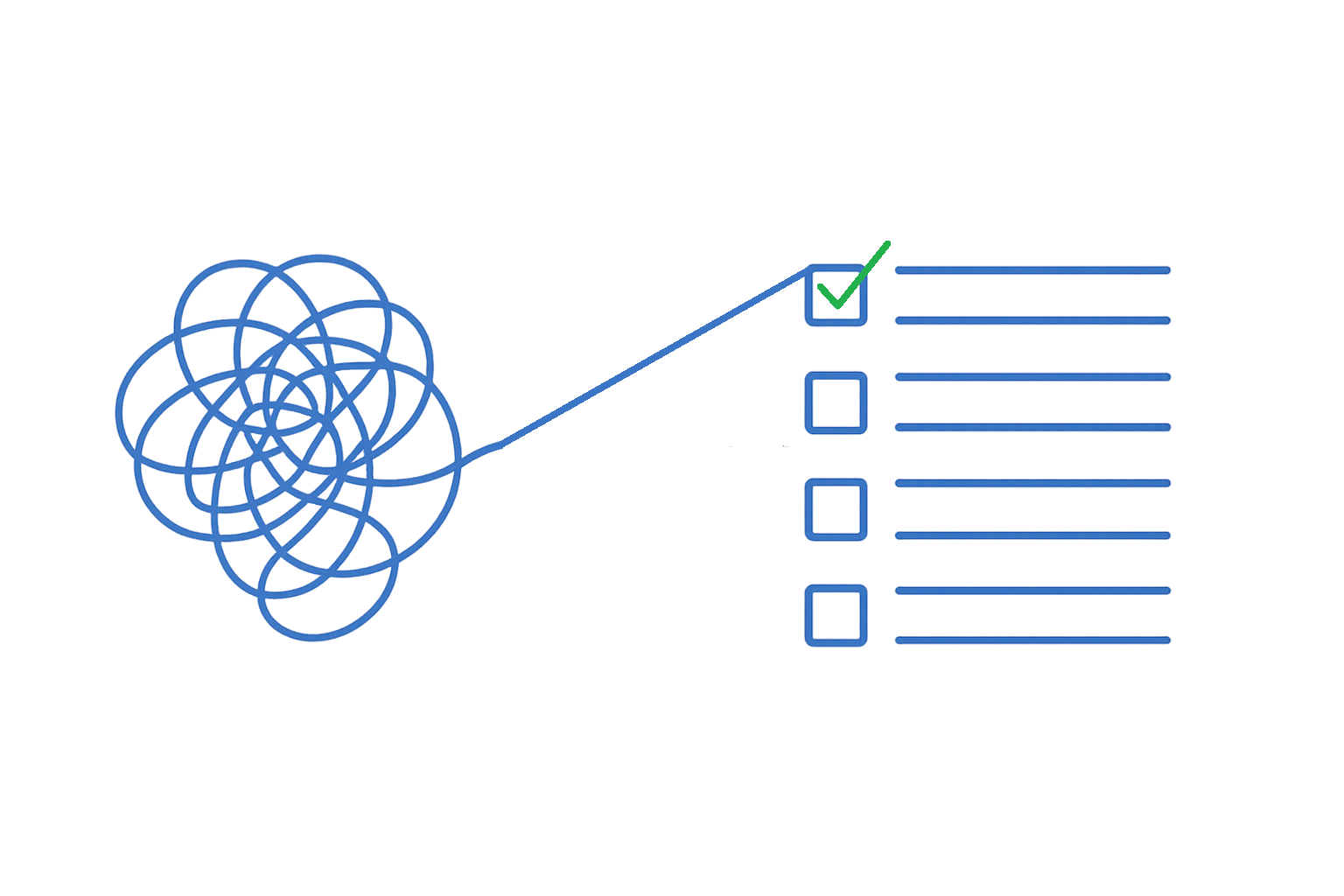
The solution? Clear structure and visual rhythm. They make your posts easy to read, pleasant to look at, and more engaging.
Short Paragraphs
3–5 lines is the ideal paragraph length.
Main idea first. Start with a key point in the first sentence works like a “pause point” for the eye.
Leave breathing space. Add an empty line between paragraphs so your text feels lighter.
Before vs. After example:
❌ Before: “Today we’ll talk about why text structure matters. Many authors forget about paragraphs, lists, and spacing. As a result, the text looks heavy and scares readers away.”
✅ After: “Today let’s talk about text structure on Polee.me. Why it matters:
Readers find what they need faster.
Text doesn’t look like a ‘solid wall.”
Pro tip: Always leave an empty line before and after highlighted blocks so they don’t blend into the main text.
Lists and Bullets
Lists help organize information and make it easier to scan.
Bulleted lists (•, ◦, ★, ✔) — for simple points and ideas.
Numbered lists (1, 2, 3 and sub-levels 1.1, 1.2) — when order or steps matter.
Lettered lists (A, B, C) — great for extra explanations or nested points.
Indentation and Formatting
Use formatting tools wisely to guide the reader’s attention:
Bold — for key phrases and important terms.
Italic — for emphasis or nuance.
Strikethrough— for humor, doubts, or irony.
Pro tip: Stick to two types of formatting max per section to keep the text clean and easy to read.
Emojis
Emojis aren’t just decorations, they help with navigation and add a friendly tone.
Examples:
🎯 Goal or focus point
📌 Important note
💡 Tip or idea
❗ Use them wisely:
No more than 1–3 emojis per sentence.
Don’t duplicate.
Add emojis with purpose, not just for aesthetics.
Visual Flow and Rhythm
A well-structured post feels like a natural conversation, not a lecture. Visual rhythm helps readers stay engaged and prevents them from feeling overwhelmed.
How to create flow:
Vary sentence length.
Short sentences grab attention.
Longer ones explain and give depth.
The contrast keeps readers hooked.
Use white space.
An empty line is like a visual breath separates ideas and gives the eye a break.
Without it, text feels like a song without rhythm.
Mix paragraphs and lists.
Paragraphs = dialogue.
Lists = highlights.
Together, they create a dynamic, scannable text.
Read aloud to test.
If you run out of breath or stumble, that’s a sign you need a paragraph break, a dash, or spacing.
Imagine explaining it to a friend wherever you’d pause, add structure.
Why This Matters
Most readers scroll quickly on their phones. They don’t have time for long, heavy paragraphs. Good formatting helps your content stand out immediately.
This increases reading time and engagement, which encourages readers to stay, interact, and come back for more.
💡 Try it now: Create a new post on Polee.me using these tips. Watch how clean formatting and visual rhythm boost engagement and make readers want to keep scrolling.